
Truck simulation games are a funny one. I expected a slow game about driving in a straight line. Instead, I found myself caring about lane position, checking mirrors, braking early for exits, and getting weirdly proud of making a clean delivery. The issue that kept bugging me was figuring out the best control option to control the truck.
You’re sitting at a desk trying to drive a huge truck, but the controller in your hands might be a keyboard, a mouse, a gamepad, or a full-sized steering wheel. Each one gives you a completely different way of steering. This got me curious about which type actually works best for games like Euro Truck Simulator 2 (ETS2) and American Truck Simulator (ATS).
A keyboard works. A gamepad works. A steering wheel works even better. Then there are mice, joysticks, motion controllers, and even rotary mice, which are a surprisingly interesting middle ground.
So, which controller should you use? Well, that depends on your budget, how seriously you want to take the driving, and whether you want a relaxed game or a full trucking setup. Here are the best controller types for truck sims, compared from cheapest and simplest to most realistic.
Quick Comparison
| Controller type | Steering method | Throttle / brake | Typical use |
| Keyboard | A/D or arrow keys — digital | W/S — digital | Basic and cheapest |
| Mouse | Mouse movement | Keyboard | Low-cost setup |
| The Rotary Mouse | Rotary wheel | Keyboard | New hybrid category |
| Gamepad | Analog stick | Analog triggers | Casual and comfortable |
| Joystick / HOTAS | Analog stick | Axis or buttons | Alternative setup |
| Steering wheel | Physical wheel | Pedals | Dedicated sim setup |
| Wheel + shifter | Physical wheel | Pedals plus H-pattern or sequential shifter | Realistic trucking |
| Motion / gyro controller | Tilt and gyroscope | Triggers or axes | Alternative controller |
The biggest difference is whether the controller gives you digital or analog control. Digital controls are either on or off. Analog controls let you make smaller adjustments, which is much nicer when you are easing around a corner or trying not to launch your trailer into a guardrail.
Keyboard – The Cheapest and Fastest Way to Start
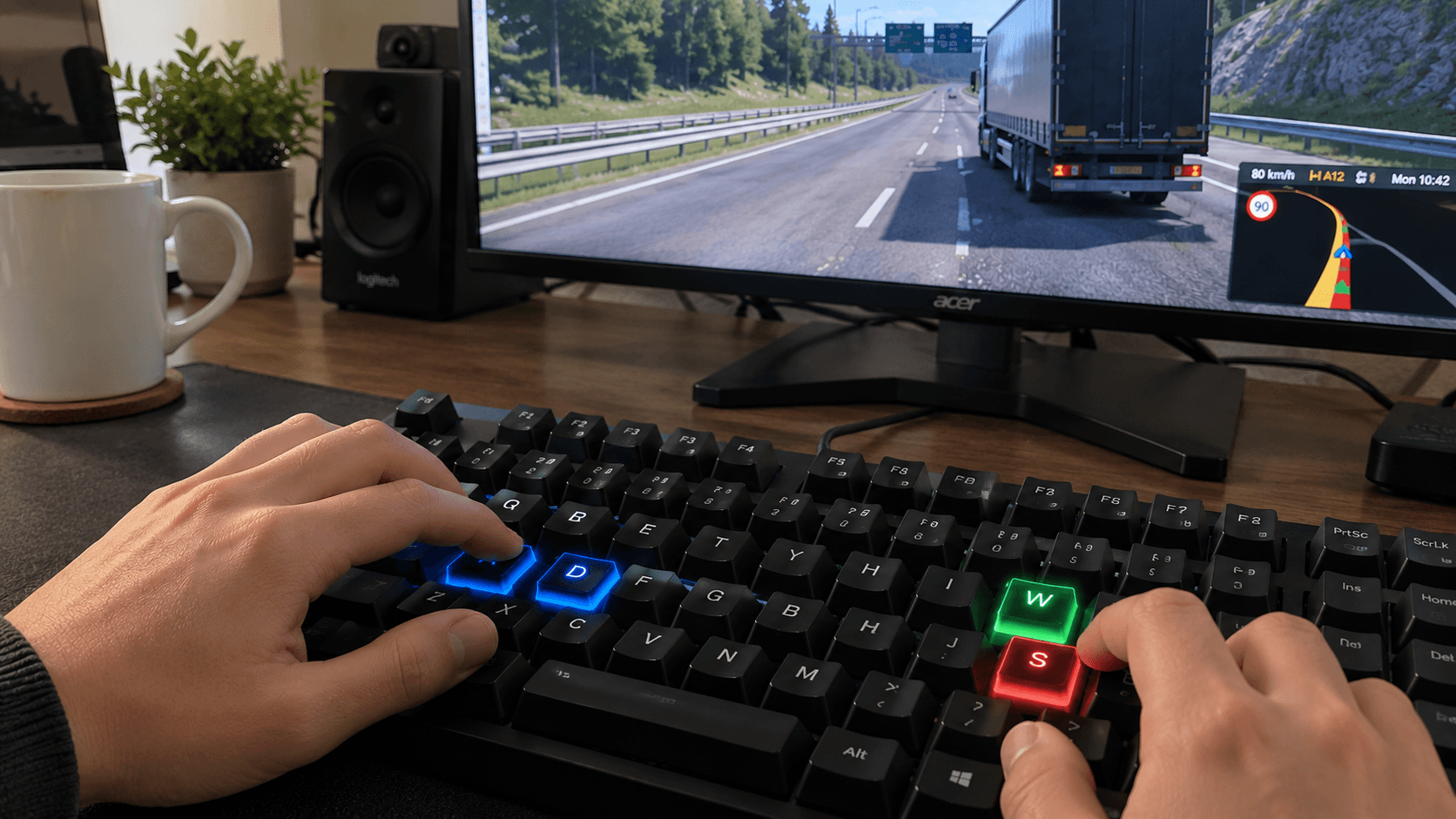
The keyboard is the obvious entry point. You steer with A and D or the arrow keys, while W and S handle the throttle and brake. It costs nothing and every truck sim supports it, goes without saying.
It is also perfectly fine for testing the game. If you are not sure whether truck sims are your thing, start here. You can learn the roads, try a few deliveries, and decide whether you want to invest in better hardware later.
The drawback is that keyboard input is digital. Pressing the steering key usually means turning at a set rate, not smoothly choosing exactly how much to turn. The same goes for acceleration and braking. You can tap the key to make smaller corrections, but it takes practice.
Best for: beginners, occasional players, and anyone who wants to spend absolutely nothing on a controller.
Mouse – A Popular Low-Cost Setup, As Long That You Don’t Sneeze
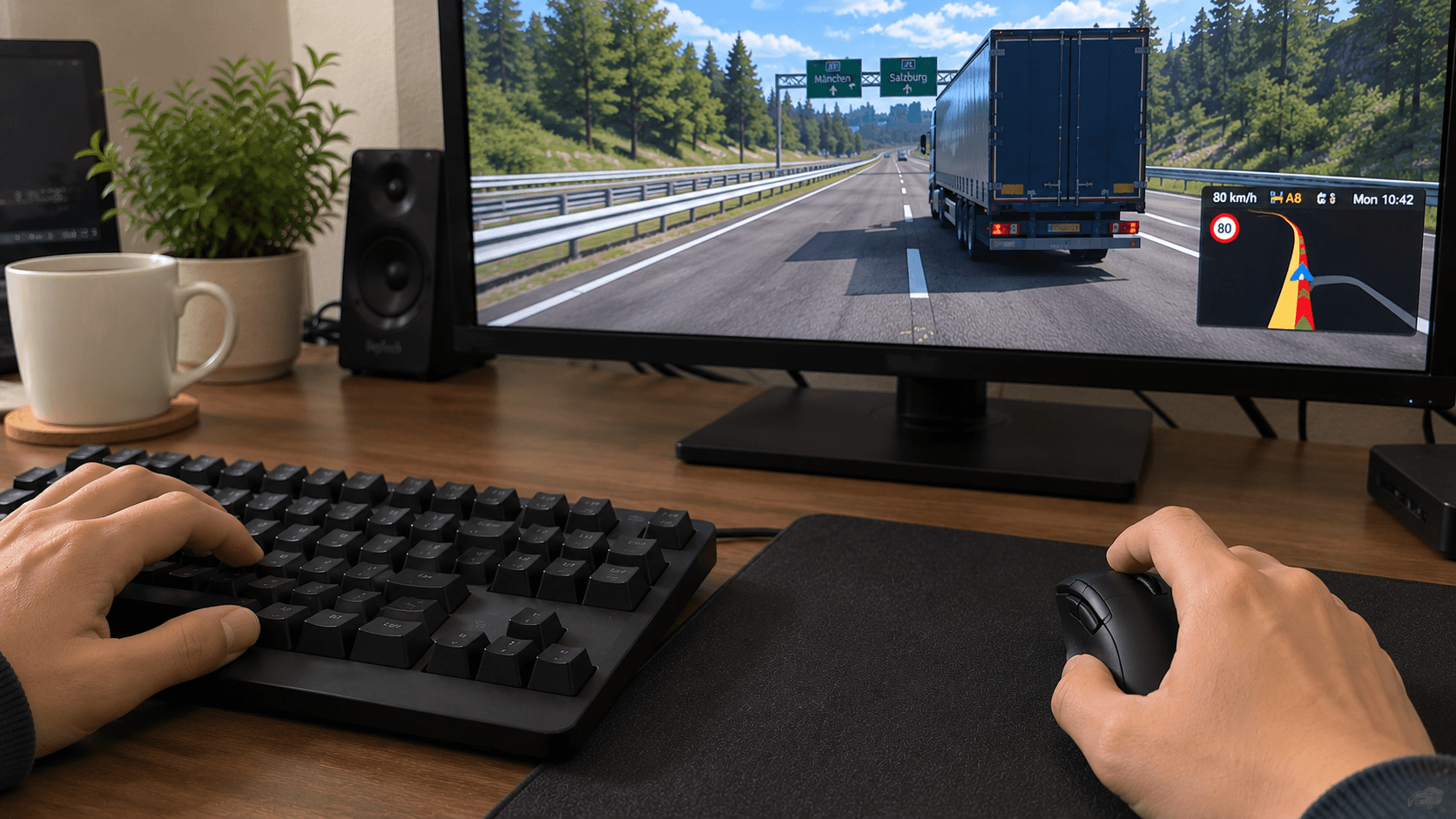
Using a mouse for steering feels strange for about five minutes, then starts to make sense. Instead of tapping left and right, you move the mouse to control the direction of the truck. Throttle and braking still stay on the keyboard.
The main advantage is that mouse movement can feel more natural than digital steering. You can make small corrections without repeatedly tapping a key. It is especially useful if you play at a desk and do not want to keep your hands on a keyboard for the entire journey.
It is not the same as turning a real wheel, of course. You still have to keep your mouse in a comfortable position, and some players may find it awkward during long drives. And try not to sneezing while you’re at it. Because any abrupt movement can oversteer your truck and will make it end up in a ditch – “Look Ma, I sneezed!”
Even so, it is one of the best upgrades from keyboard-only controls because it costs little or nothing if you already have a mouse.
Best for: budget-conscious players who want smoother steering without buying dedicated sim gear.
The Rotary Mouse – The Unique Immersive Alternative
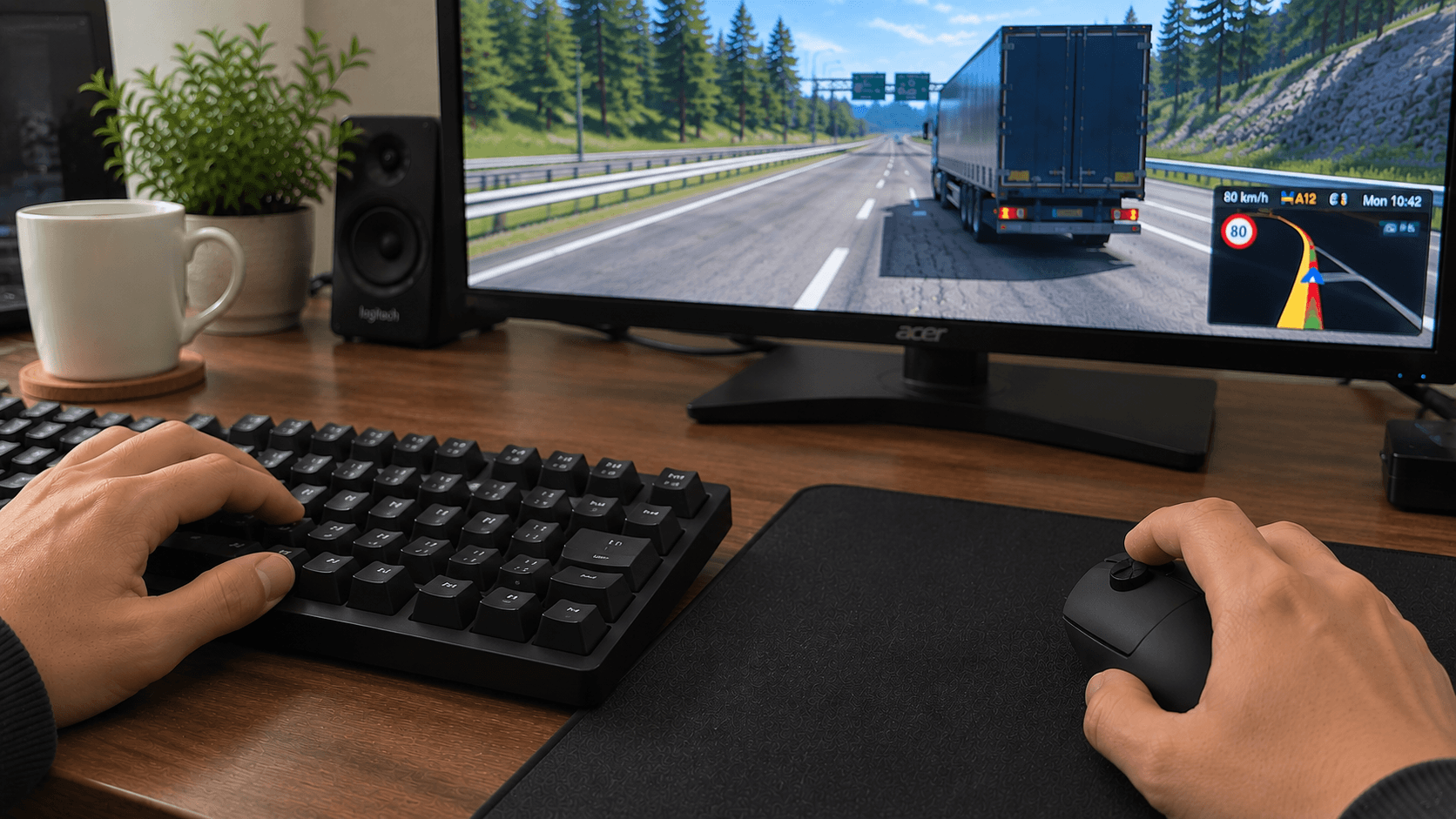
The Rotary Mouse is one of the more unconventional options on the list. It combines mouse-style control with a rotary wheel, giving you a physical dial that acts as a wheel-like input for steering while the keyboard handles throttle and braking.
That makes it a hybrid between a regular mouse and a steering wheel. You get a more deliberate steering motion without needing a full desk-mounted wheel and pedal setup. It would appeal to sim truckers who want something compact and affordable. Early users have reported it to be very comfortable to use despite how it looks at the first onset.
Because it is a newer hybrid category, it is not as familiar as a gamepad or steering wheel. You may need to spend a little time configuring it and getting used to how the rotation translates into in-game steering. Still, the idea makes a lot of sense for truck sims because steering feels more immersive, but the setup remains relatively simple.
Best for: players who want something more tactile than a mouse but less bulky and expensive than a full steering wheel.
Gamepad – The All-Rounder
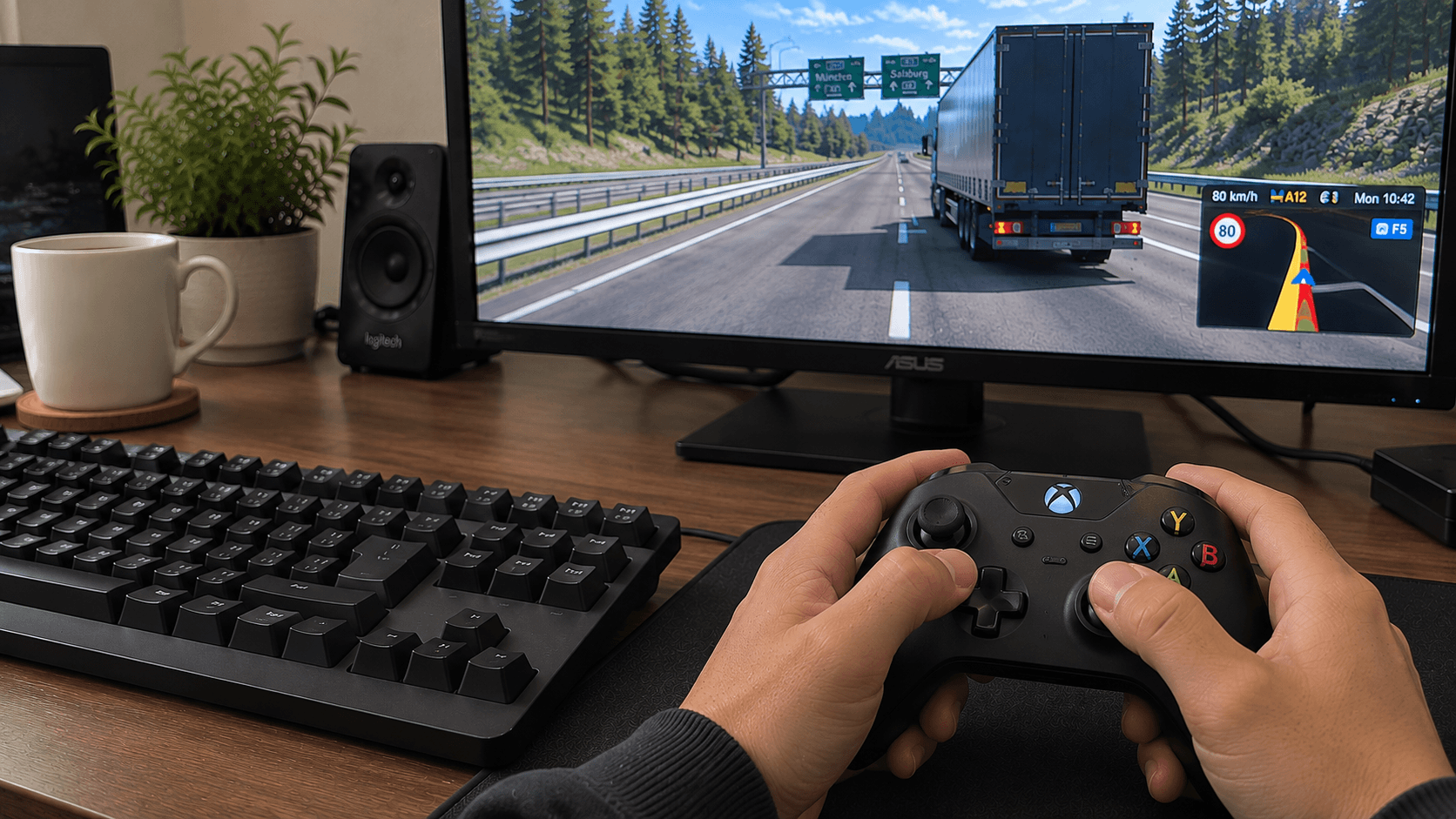
For many people, a gamepad is the sweet spot. The analog stick handles steering, while the analog triggers control acceleration and braking. That gives you smooth input without requiring a permanent simulator setup.
A gamepad is comfortable, familiar, and easy to use from a sofa or desk chair. It is also much more forgiving than a keyboard when you are making gentle turns or reversing into a loading bay. The triggers are particularly useful because you can apply a little throttle or brake instead of immediately going from zero to full input.
The main compromise is precision. A small analog stick is not the same as a large physical steering wheel, and long truck-sim sessions can feel less immersive when you are holding a tiny controller. You also do not get the same sense of steering range or physical resistance.
Still, if you already own a gamepad, it is probably the first controller I would recommend trying. It gives you a comfortable experience without turning the hobby into a hardware project.
Best for: casual players, console-style setups, and anyone who wants comfort and smooth control at a reasonable cost.
Joystick or HOTAS – Only If You Fly and Drive
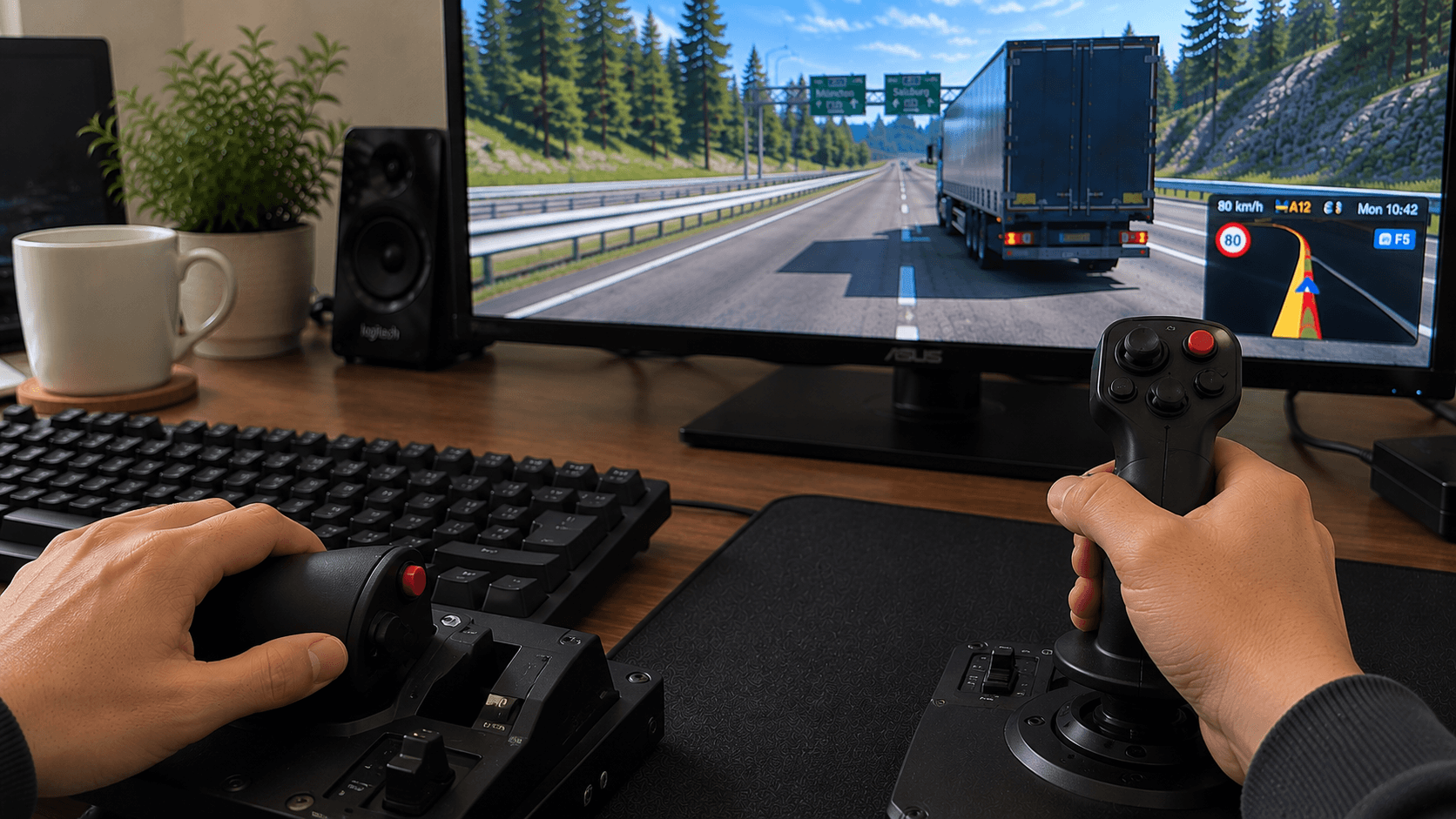
A joystick or HOTAS setup is not the first controller most people think of for truck sims. HOTAS stands for “hands on throttle and stick,” and these controllers are more commonly associated with flight simulators.
Even so, the analog stick can handle steering, while an axis or buttons can be assigned to throttle and braking. This makes the setup workable if you already own one or enjoy the feel of a joystick.
The benefit is flexibility. You can create a control layout that suits you, and the analog stick allows smoother steering than a keyboard. The disadvantage is that the arrangement may feel less intuitive for driving a truck. A joystick does not automatically give you the same sense of turning a steering wheel, and button layouts can require some experimentation.
Best for: players who already own a joystick or HOTAS and want to build an alternative control setup without buying more hardware.
Steering Wheel: The Biggest Immersion Upgrade
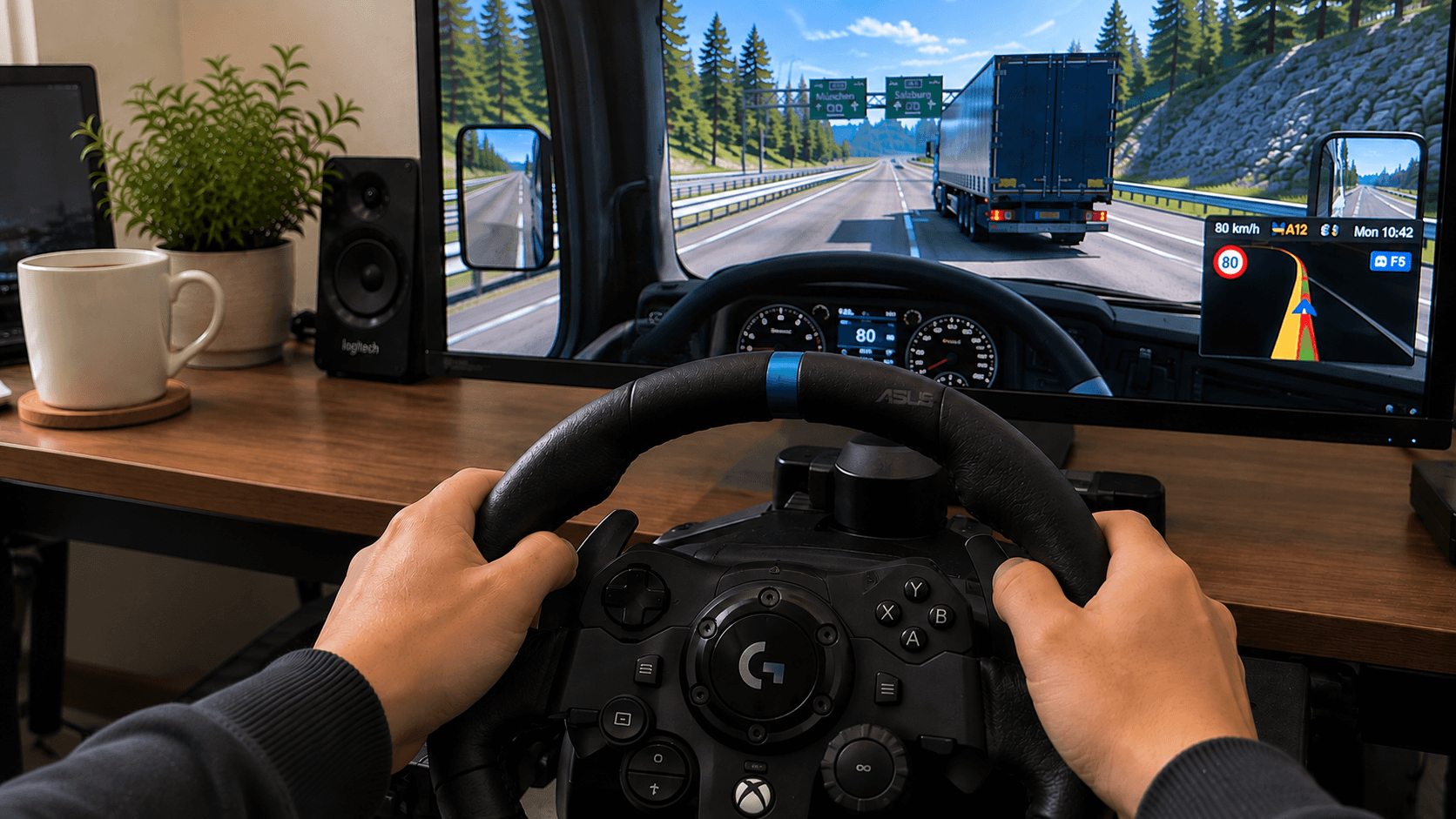
A steering wheel is where truck sims start to feel like a proper driving experience. You turn a physical wheel to steer and pedals handle the throttle and brake. The controls match what you do in a real vehicle, so the game becomes more intuitive almost immediately.
A wheel also makes small steering adjustments easier. You can hold a gentle curve, correct your position smoothly, and make reversing feel less like a wrestling match with the controls. Even basic force feedback can add useful information by making the wheel feel more alive as you drive.
There are a few downsides. A wheel takes up space, costs way more than a keyboard, mouse or gamepad, and may need to be clamped to a desk or attached to a stand. It can also be a lot of equipment if you only play occasionally.
For people who know they enjoy truck sims, though, a steering wheel is usually the upgrade that makes the biggest difference.
Best for: dedicated players who want more immersion, smoother control, and a setup built around driving.
Steering Wheel + Shifter – The Ultimate Trucking Setup
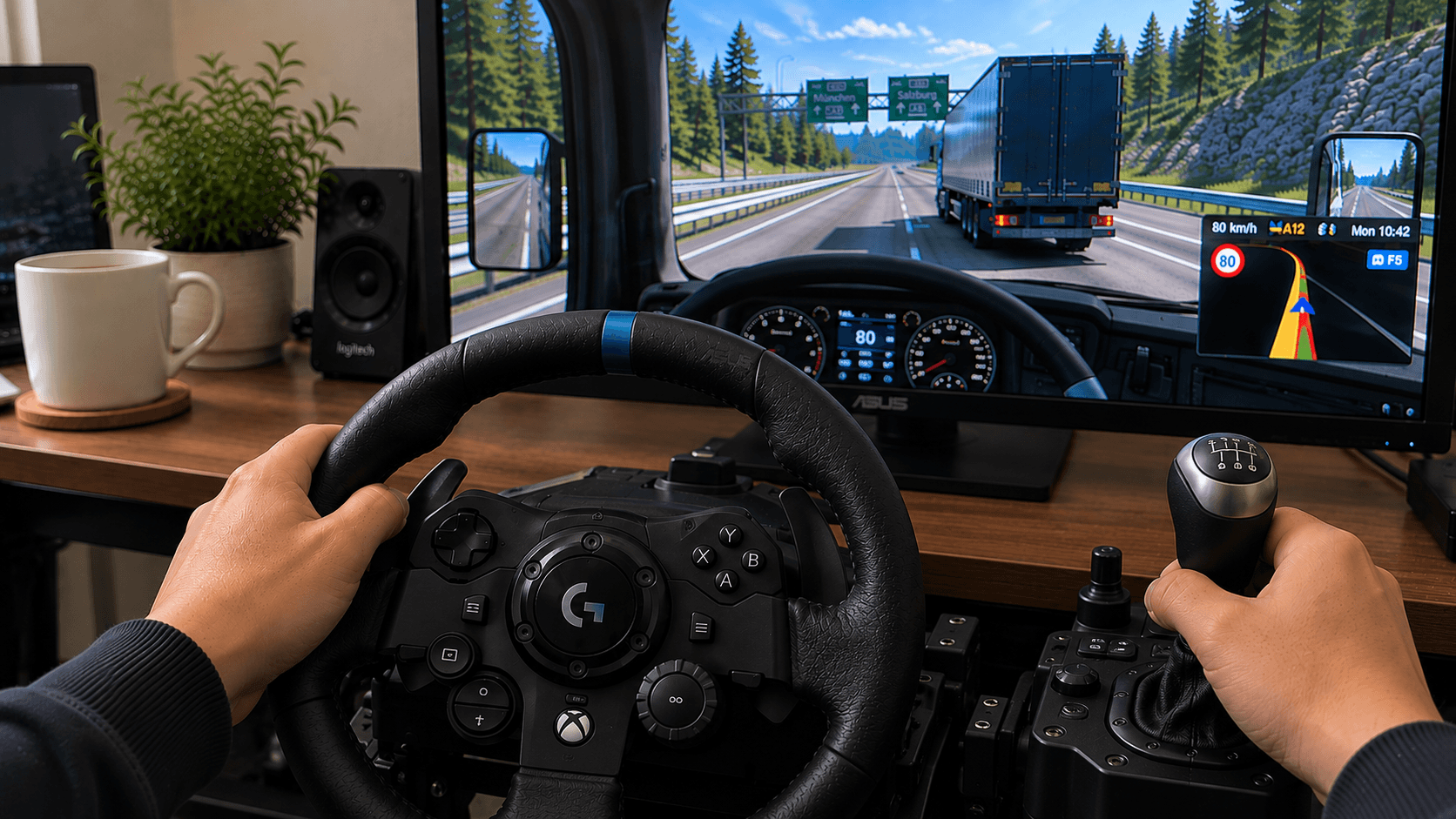
If a steering wheel makes truck sims feel better, adding a shifter takes the experience another step further. A wheel-and-shifter setup gives you a physical wheel, pedals, and either an H-pattern or sequential shifter.
This is the closest option on the list to sitting in a real truck. You can work through gears, use the clutch if your setup supports it, and make the whole driving process feel more involved. It is especially appealing if you enjoy the routine of trucking rather than treating each delivery as a quick arcade-style challenge.
Of course, realism comes with extra cost, space, and setup time. You may need a sturdier desk, a wheel stand, or a dedicated cockpit. You also have more controls to configure, and some truck-sim features may require additional buttons or accessories.
It is not necessary for enjoying the game, but it can transform truck sims into a proper hobby. Once you have the wheel, pedals, and shifter set up, even a short delivery can feel like an event.
Best for: serious sim fans, trucking enthusiasts, and players who want the most realistic control scheme available.
Motion or Gyro Controller – A Different Kinda Driving
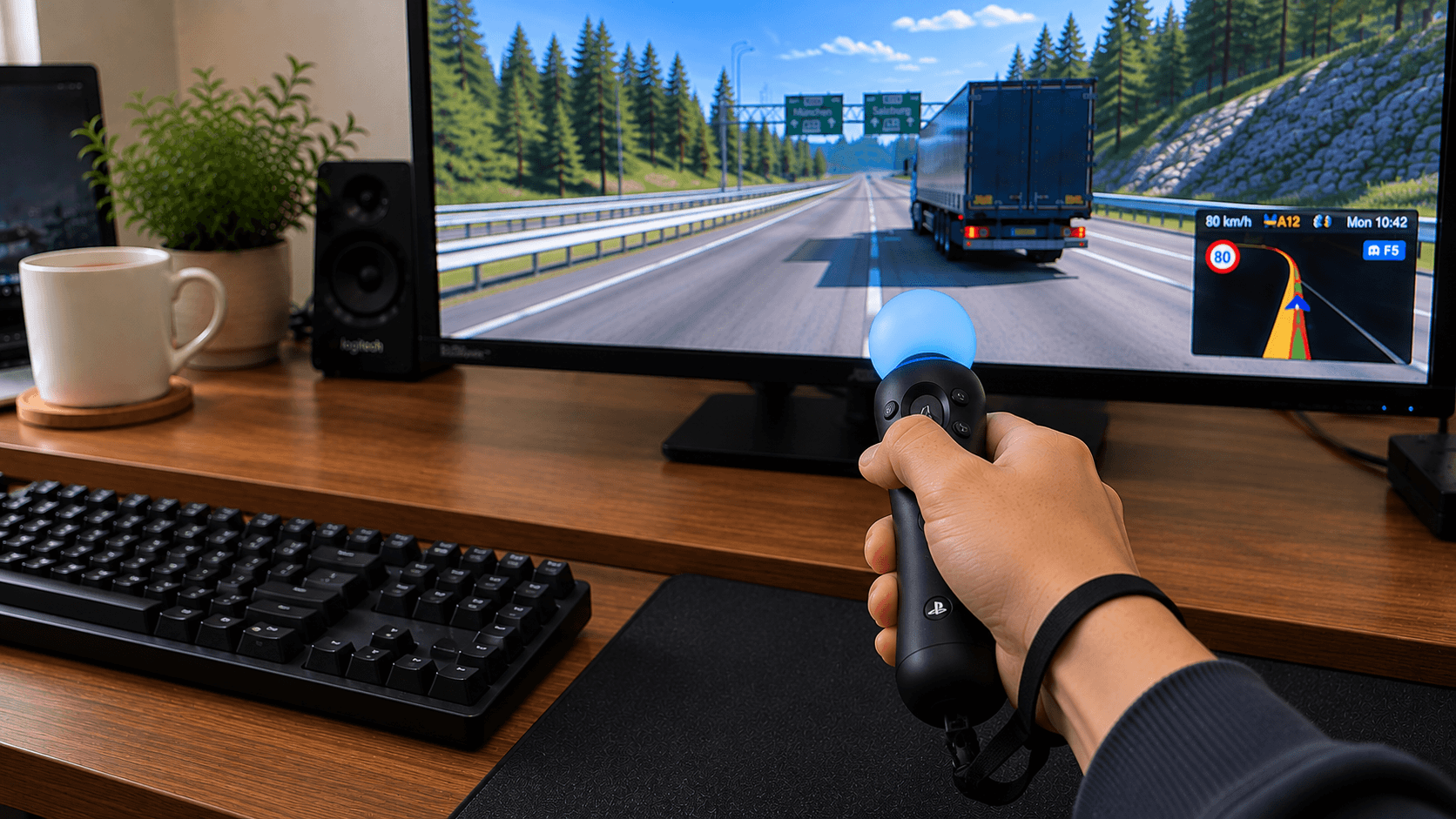
Motion and gyro controllers use tilt or gyroscope movement for steering. Triggers or other axes handle throttle and braking. Instead of turning a wheel or moving a stick, you tilt the controller to guide the truck.
This can be fun and surprisingly intuitive, especially for players who like motion-based controls. It also gives you another option when a traditional gamepad or wheel is not available.
The downside is that motion control may be less stable over a long session. Small hand movements can affect steering, and you may need to find a comfortable position that does not leave your wrists tired. It is more of an alternative controller than a direct replacement for a proper wheel.
Best for: players who enjoy experimenting with controls or want a flexible alternative to sticks and wheels.
Which Controller Should You Choose?
If you are completely new to truck sims, start with the keyboard or invest a little money in the Rotary Mouse. There is no reason to buy expensive equipment before you know whether you enjoy the slower pace and careful driving that make these games special.
If you want a low-cost but more comfortable option, choose a gamepad or the Rotary Mouse for a more immersive experience. It is an interesting middle ground and stands out from the usual keyboard, mouse, and gamepad choices.
If truck sims have already taken over your free time, go for a steering wheel with pedals. It is the best balance between realism, comfort, and cost. Add a shifter later if you find yourself wanting a more complete trucking setup.
Final Verdict
There is no single best controller for every truck-sim player. The keyboard is the easiest place to start. The Rotary Mouse is a clever low-cost improvement. A gamepad is comfortable and versatile, while a joystick or gyro controller gives you an alternative way to play.
For immersion, a steering wheel wins. For realism, a wheel with pedals and a shifter is the clear champion.
My personal advice is simple: begin with what you already own, then upgrade the part of the experience that annoys you most. If steering feels too jerky, move to a gamepad or Rotary Mouse before you upgrade to a full-fledged steering wheel. And if you eventually start caring about gear changes, parking angles, and whether your trailer is perfectly straight at the dock, you already know where this is heading – a full wheel-and-shifter setup.
That is the dangerous thing about truck sims. You start with a demo and a keyboard. A few deliveries later, you are comparing pedals and planning where to put a virtual side mirror.
Note: Controller recommendations in this post are based on the comparison supplied in the brief and are intended as general guidance rather than product-specific buying advice. Images are AI generated.