
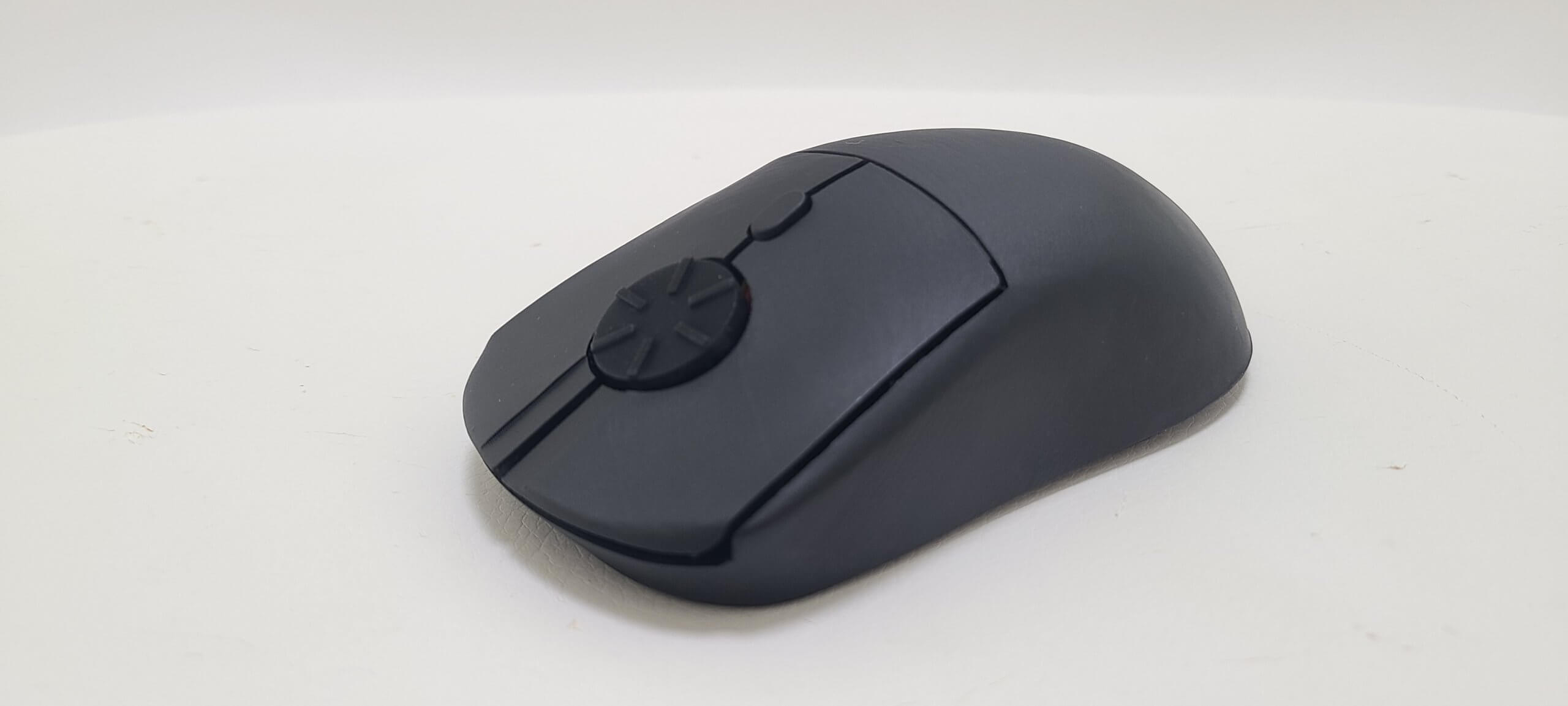


Description
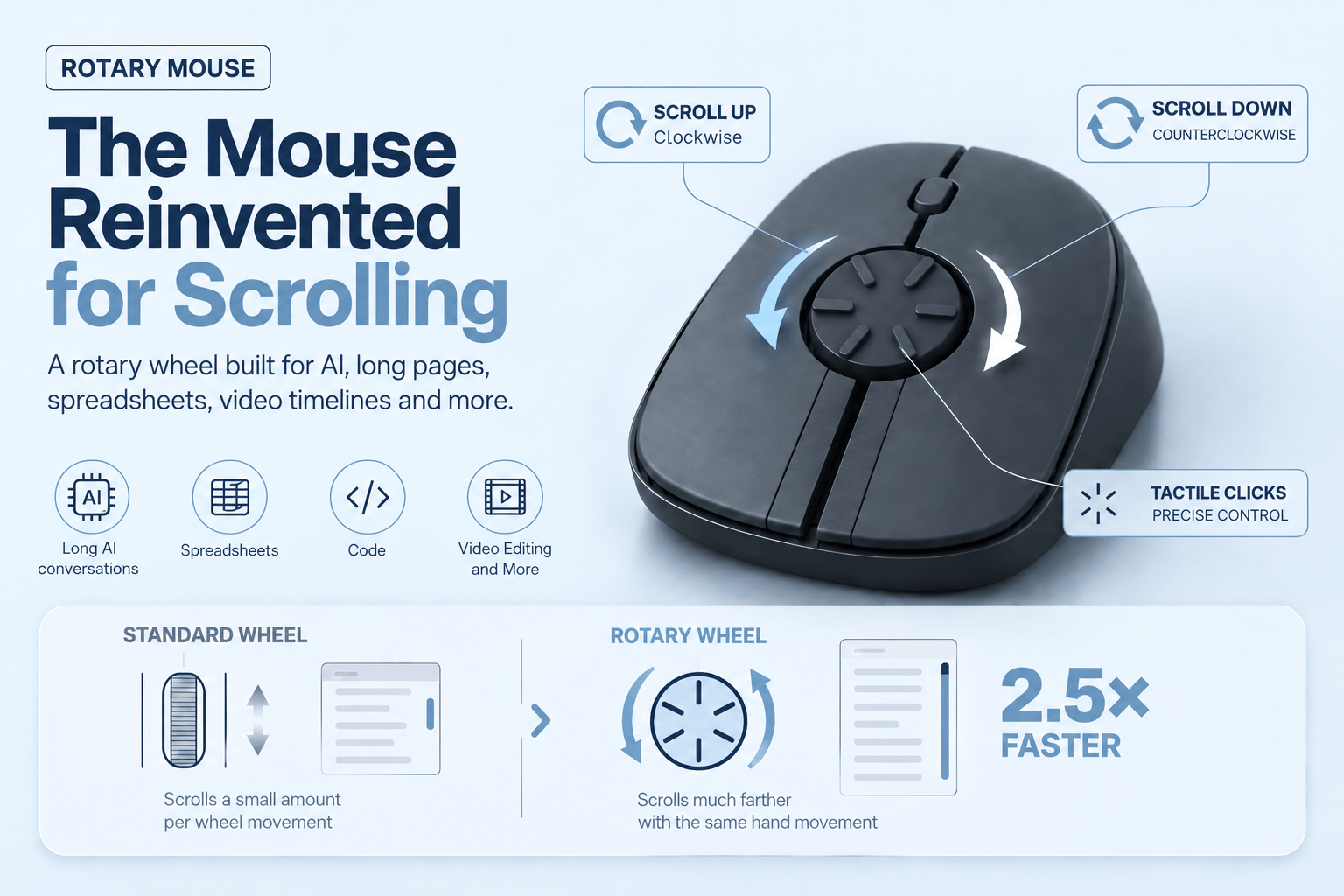
Features
- Hand-assembled in South Korea
- Fully functional retail hardware
- Produced in limited quantities
- Includes 1-year warranty
What You Get
- A Rotary Mouse with optical sensor
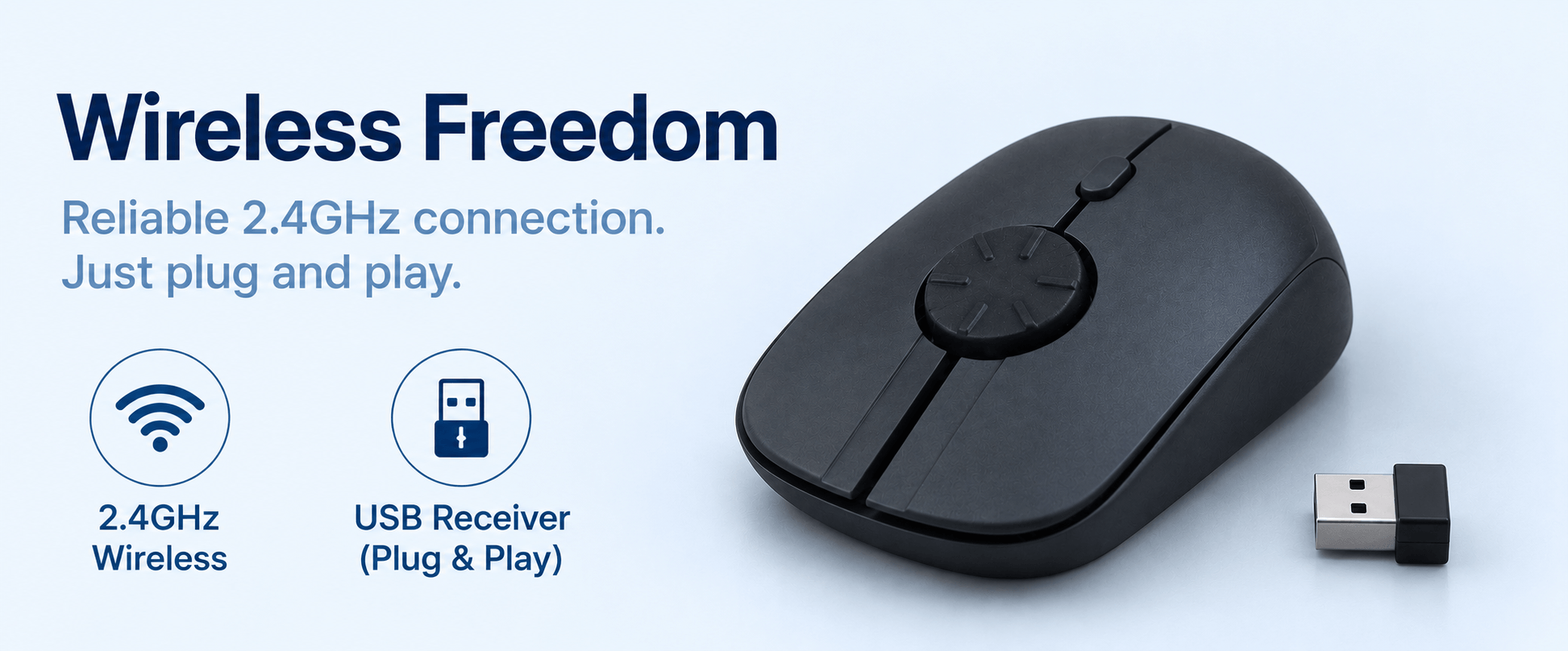
- 2.4GHz USB wireless receiver
- Improved version with our proprietary rotary component
- Full packaging (see photos)
- 1 x AAA battery
Warranty & Refund With No Return
- 1-year warranty
- 30-day money-back. Get a full refund without needing to return the mouse.
Specifications
- Connectivity: Wireless 2.4GHz USB receiver
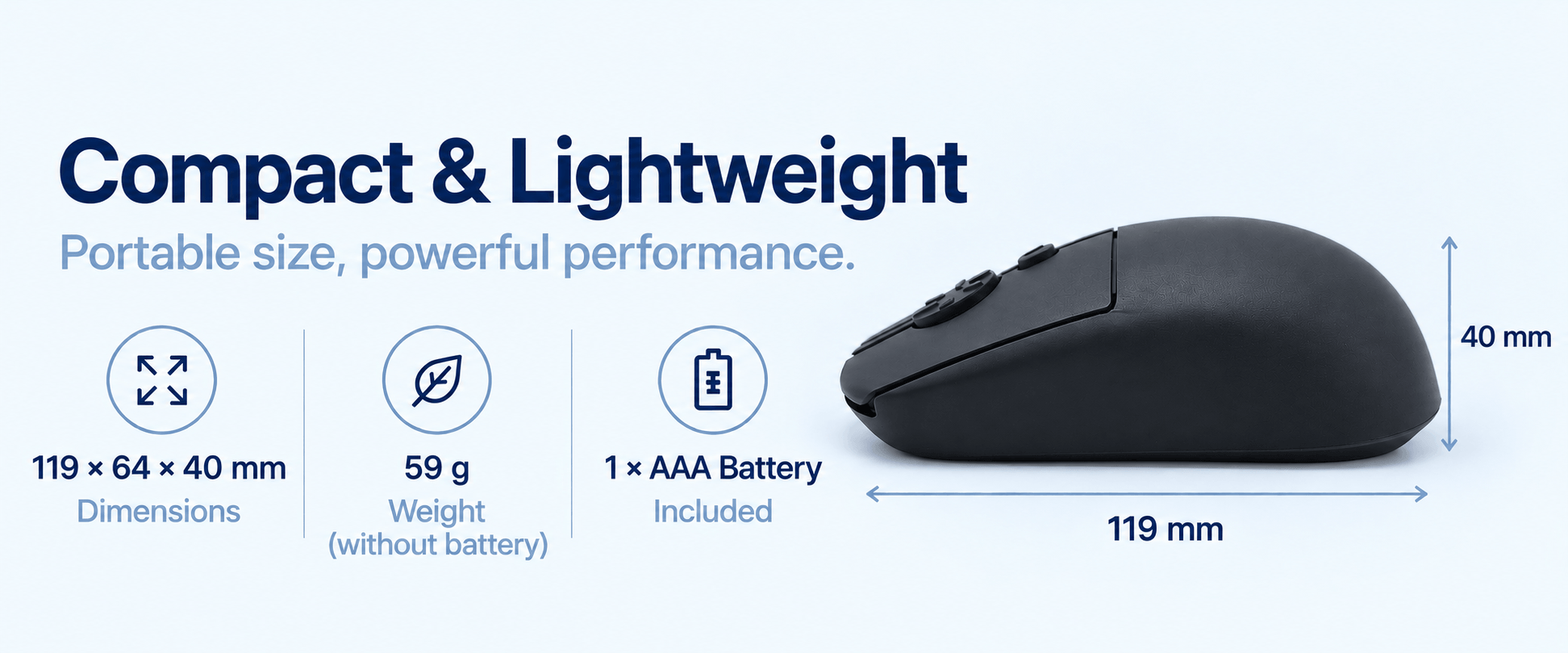
- Dimensions: 119 × 64 × 40 mm
- Weight: 59 g (without battery)
- Buttons: Silent L/R, middle click, DPI button
- Sensor: Optical
- DPI: 800 / 1200 / 1600
- Color: Matte black
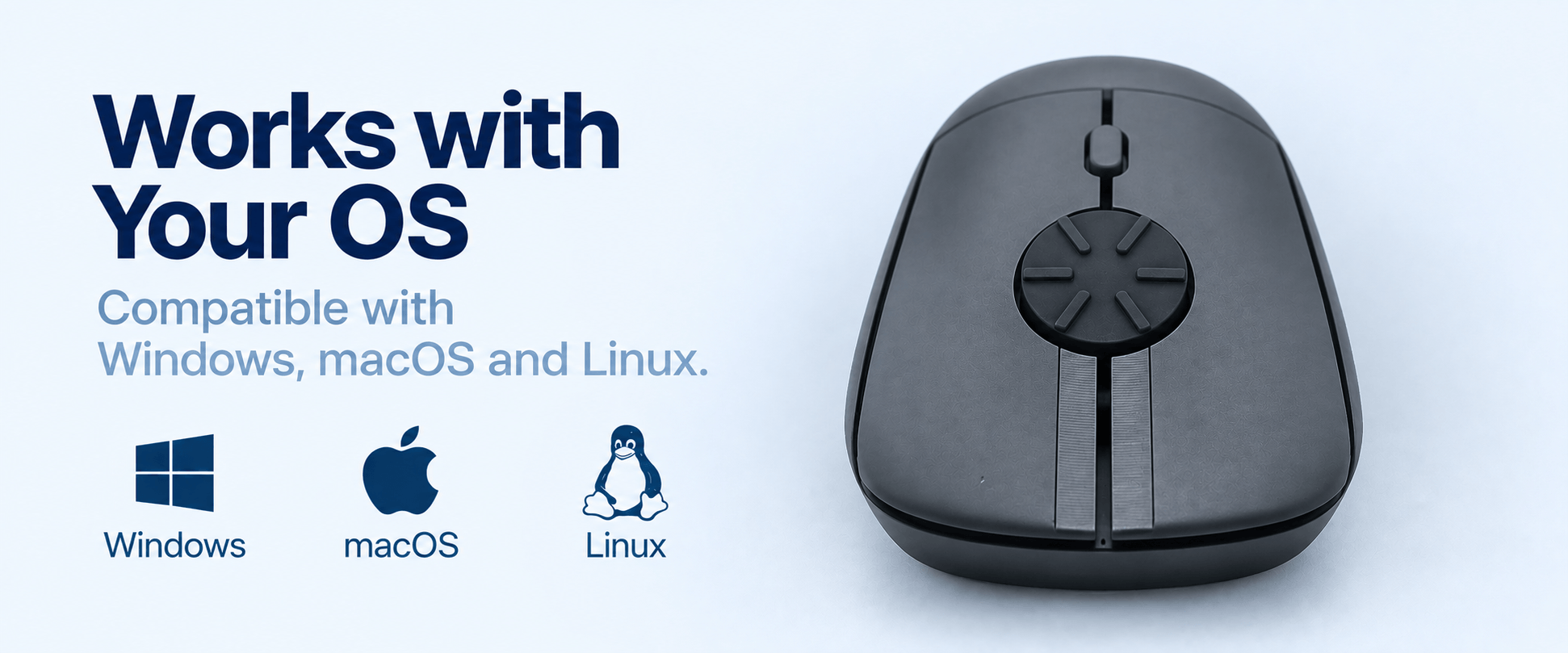
- OS: Windows, Linux, macOS, Android
- Power: 1x AAA (included) + auto sleep
Introductory Offer. Very Limited Units!
Shipping Worldwide
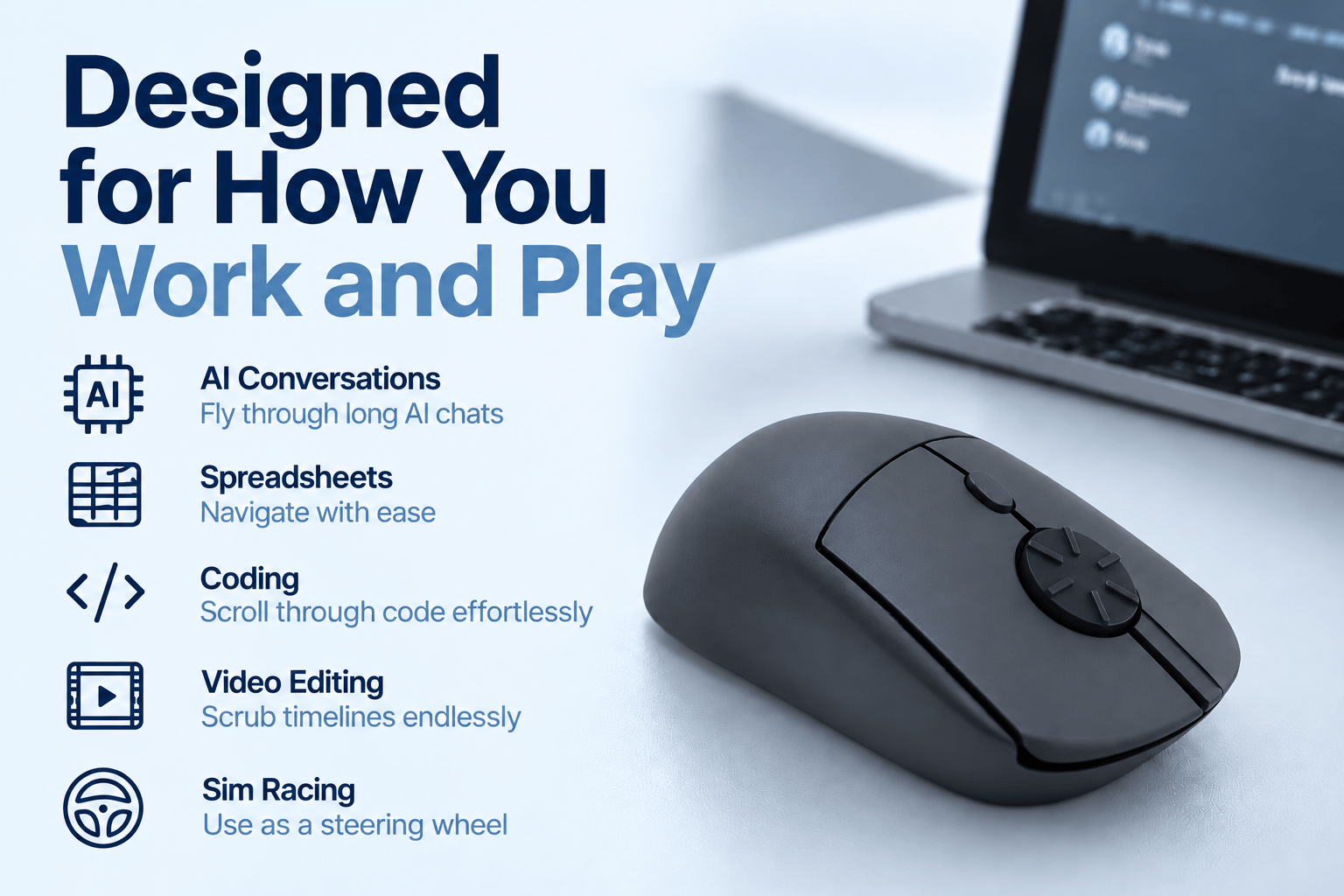
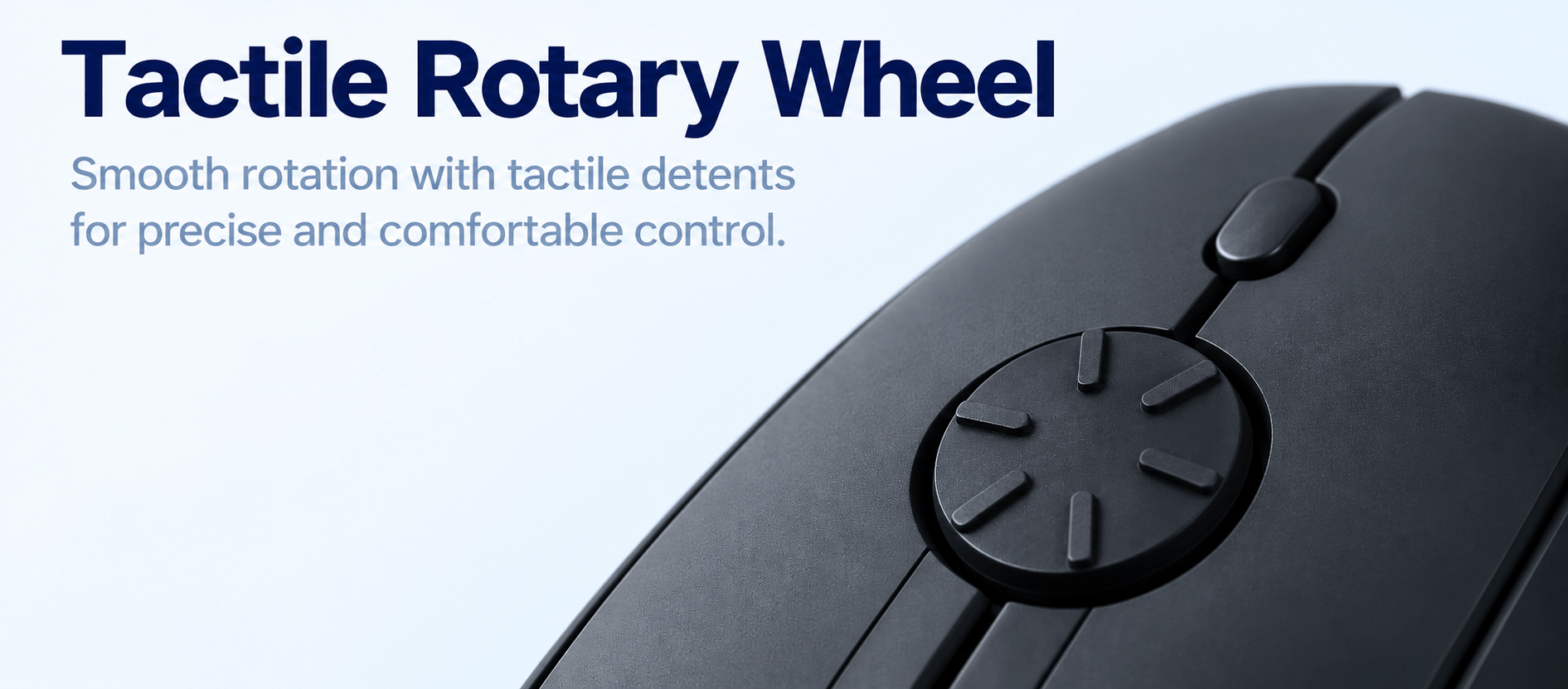

ACTUAL PHOTOS


FAQ
What is the Rotary Mouse Founder's Edition?
Each Founder’s Edition is hand-assembled in South Korea in limited quantities using our final electronics and functional design. It uses a high-quality 3D-fabrication enclosure. See product photos for actual looks. Because we use high-quality digital fabrication, each housing spends around 6 hours to print, followed by approximately 2 hours of post-processing, assembly, and testing.
Can I still do regular scrolling with this mouse?
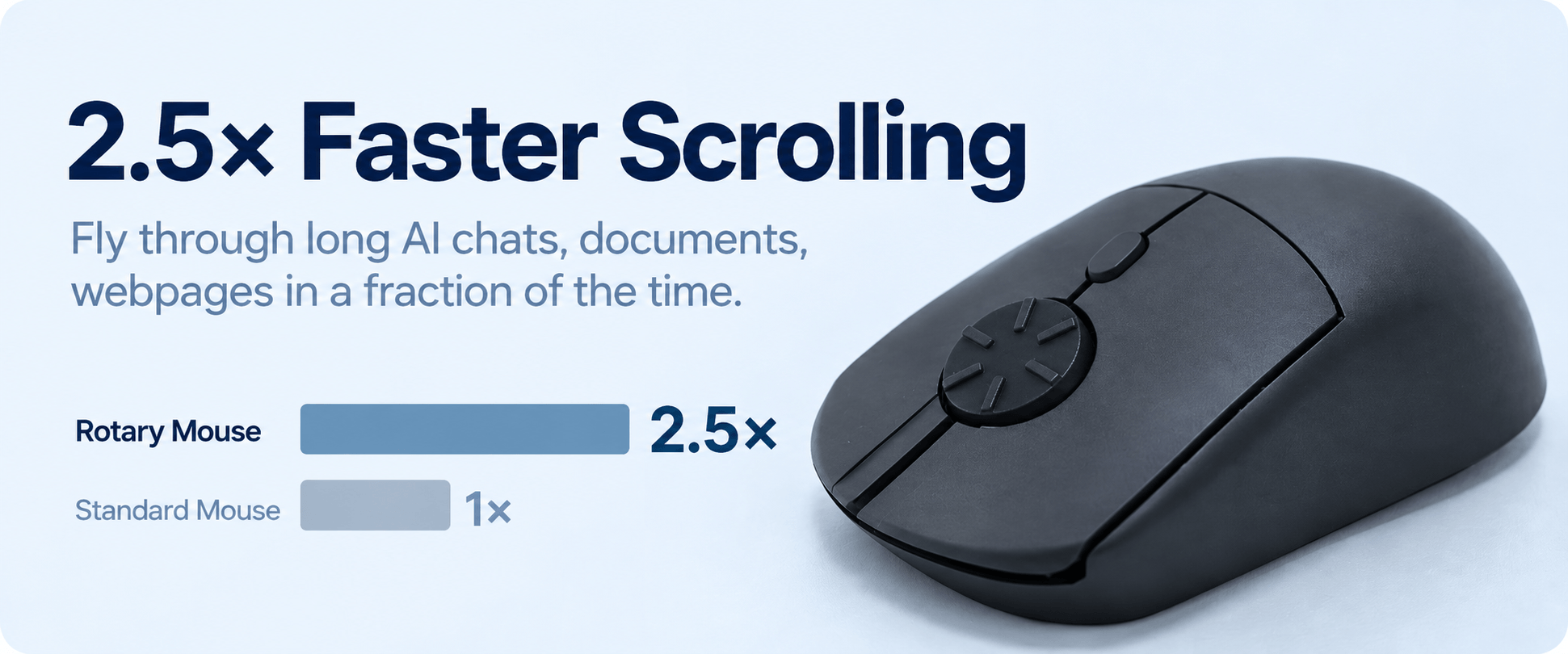
Yes, absolutely. You can just turn the rotary wheel in a half-circular motion by vertical flicking.
Can I reverse the scrolling direction?
Yes, you can. On Windows 10, you can reverse the direction by using the X-Mouse Button Control free software. On Windows 11, go to “Mouse Settings” and enable the reverse scrolling direction. On macOS, simply go to the “Apple” menu, go to “System Settings” (or “System Preferences” on older macOS). Then, click “Trackpad or Mouse” and find “Scroll direction: Natural” and toggle it off to reverse scrolling (so it behaves like Windows). By default, the mouse scrolls down when you rotate counterclockwise and vice versa. This direction mimics the Windows vertical scrolling.
Does this mouse support different mouse grips?
Different people have different mouse gripping styles, such as palm grip, claw grip, fingertip grip, pincer claw grip, and more. Our founder uses a relaxed claw grip, and it feels great for him. Different testers with different grip positions have tested our mouse, and most do not complain.
Does it fit all hand sizes?
We designed this version to accommodate a general range of hand sizes. However, it may not be an ideal fit for everyone, particularly those with significantly smaller or larger-than-average hands. We aim to produce smaller and larger models in the future.
What if I'm not satisfied?
Every Rotary Mouse is backed by our 30-day money-back guarantee with no product return. If you’re not completely satisfied, simply contact us within 30 days of receiving the item, and we’ll issue a full refund—no return of the mouse is required.
Does it come with a middle button?
Yes, our current version comes with a middle button where you just need to press the middle of the wheel to trigger a click.
Does it come with side buttons?
This version does not incorporate side buttons but future models will have them.
Which operating systems are supported?
Rotary Mouse supports Windows, macOS, and Linux for everyday use.