

Description
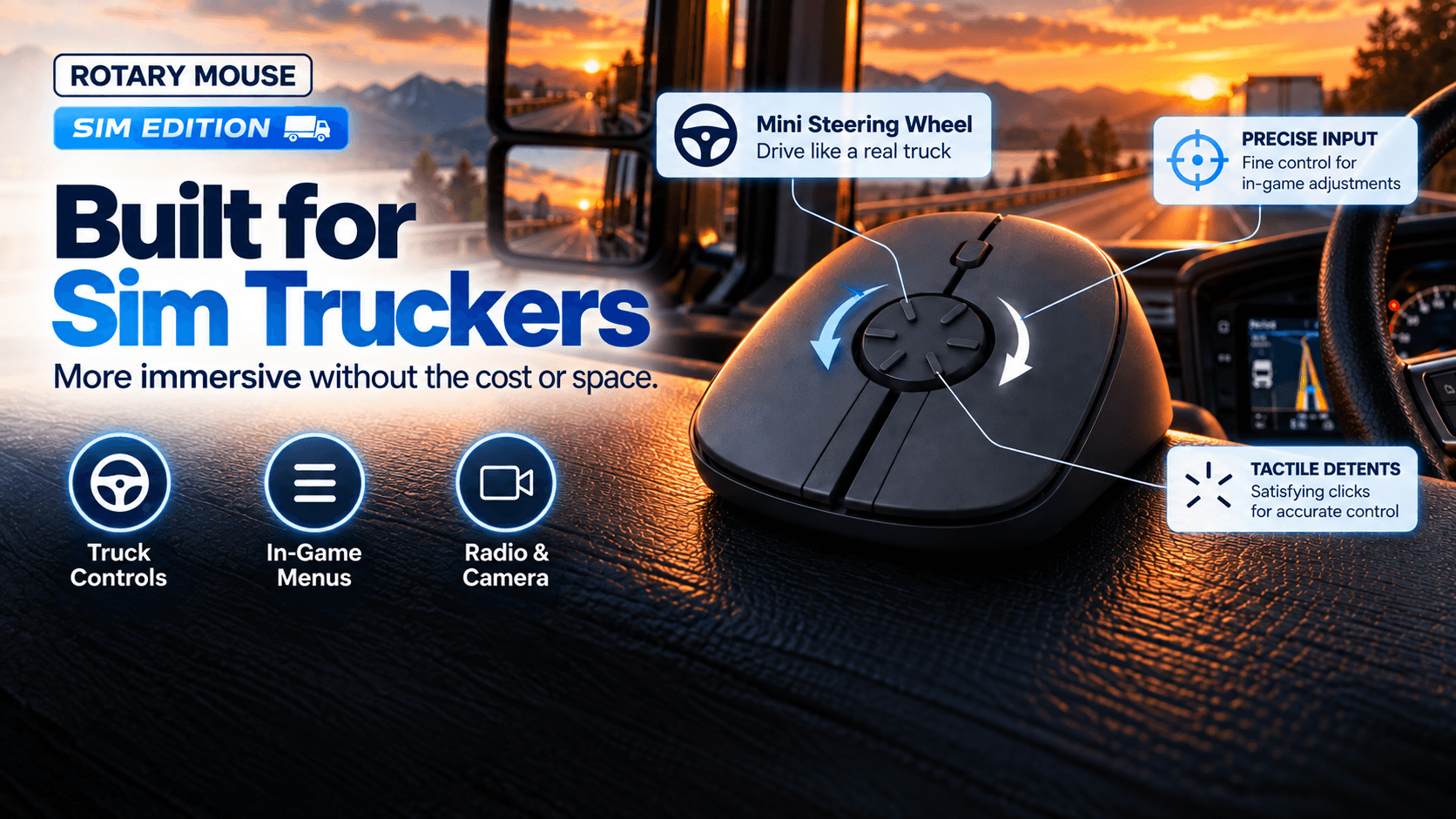
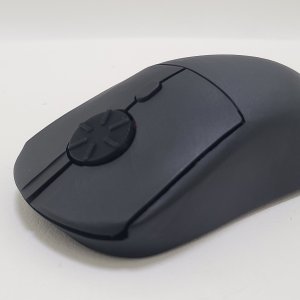
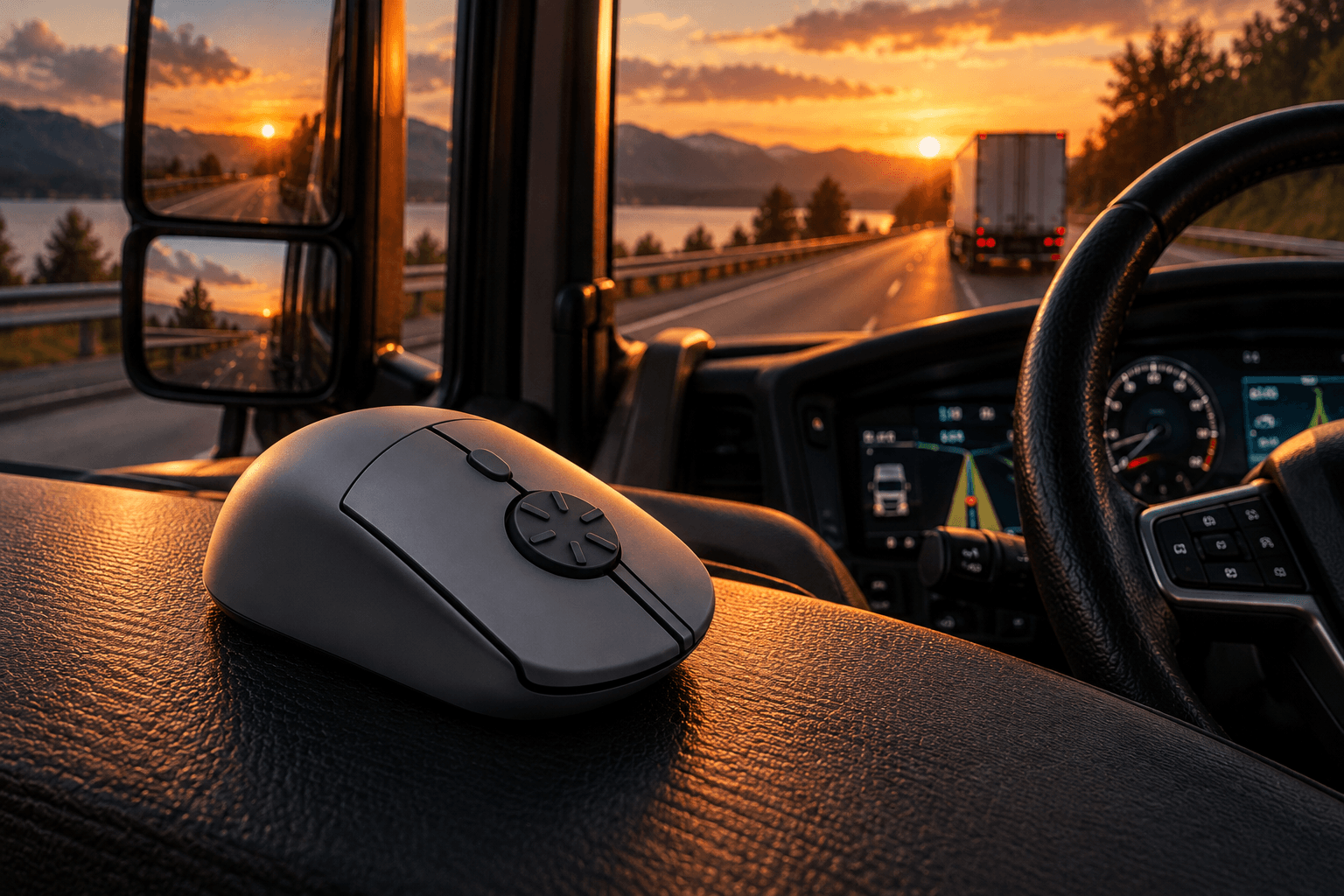
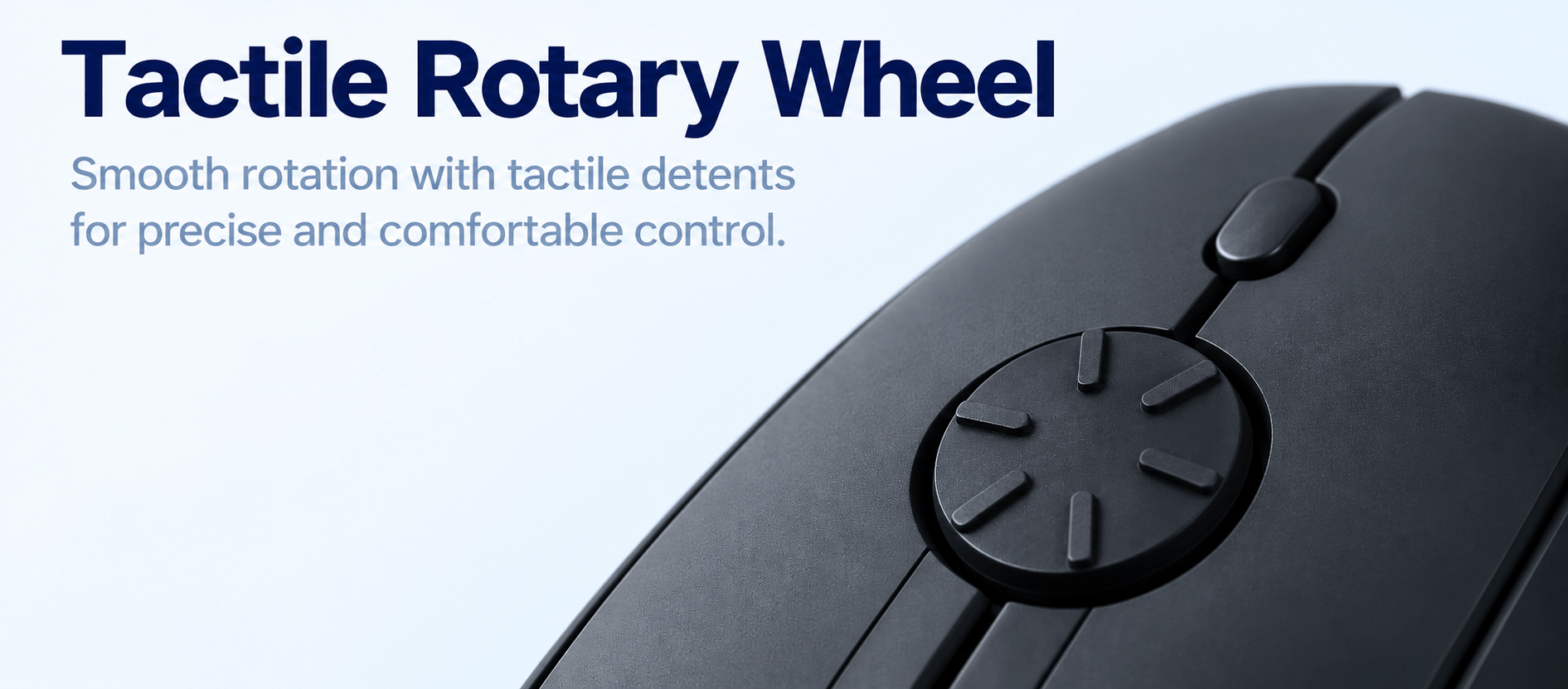
This Rotary Mouse Sim Edition is designed for sim trucking enthusiasts. Using our included software profile, the large tactile rotary wheel can be configured as a steering controller for truck simulation games. Compared to a standard mouse control or game controller, it offers much greater steering travel for smoother, more precise control.
This Sim Edition provides an affordable, compact alternative for players who don’t have the space or budget for a dedicated steering wheel.
Be among the first in the world to own the Rotary Mouse. This edition is hand-assembled in South Korea in limited quantities using our final electronics and functional design.
Features
- Hand-assembled in South Korea
- Fully functional retail hardware
- Proprietary high-precision rotary steering mechanism
- Analog steering support for trucking simulators
- Produced in limited quantities
What You Get
- Rotary Mouse Sim Edition
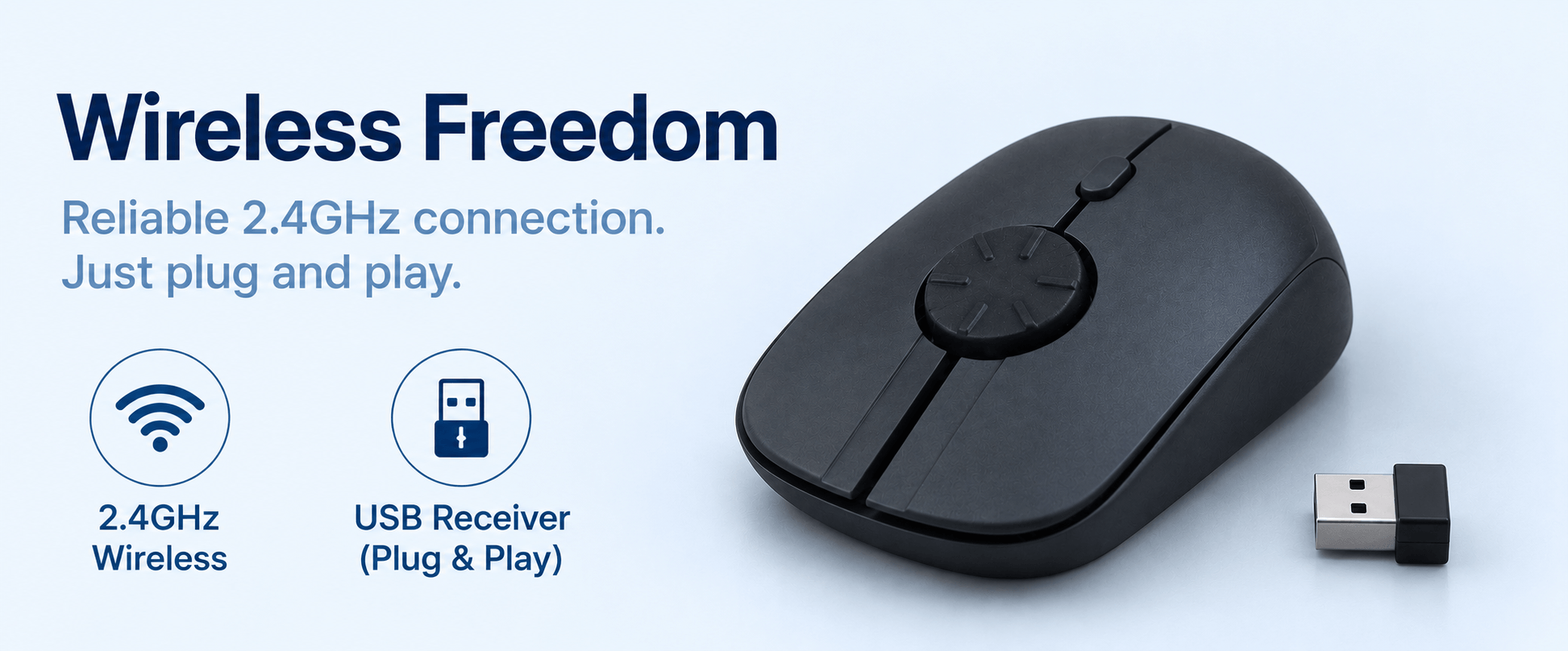
- 2.4GHz USB wireless receiver
- Proprietary rotary mechanism
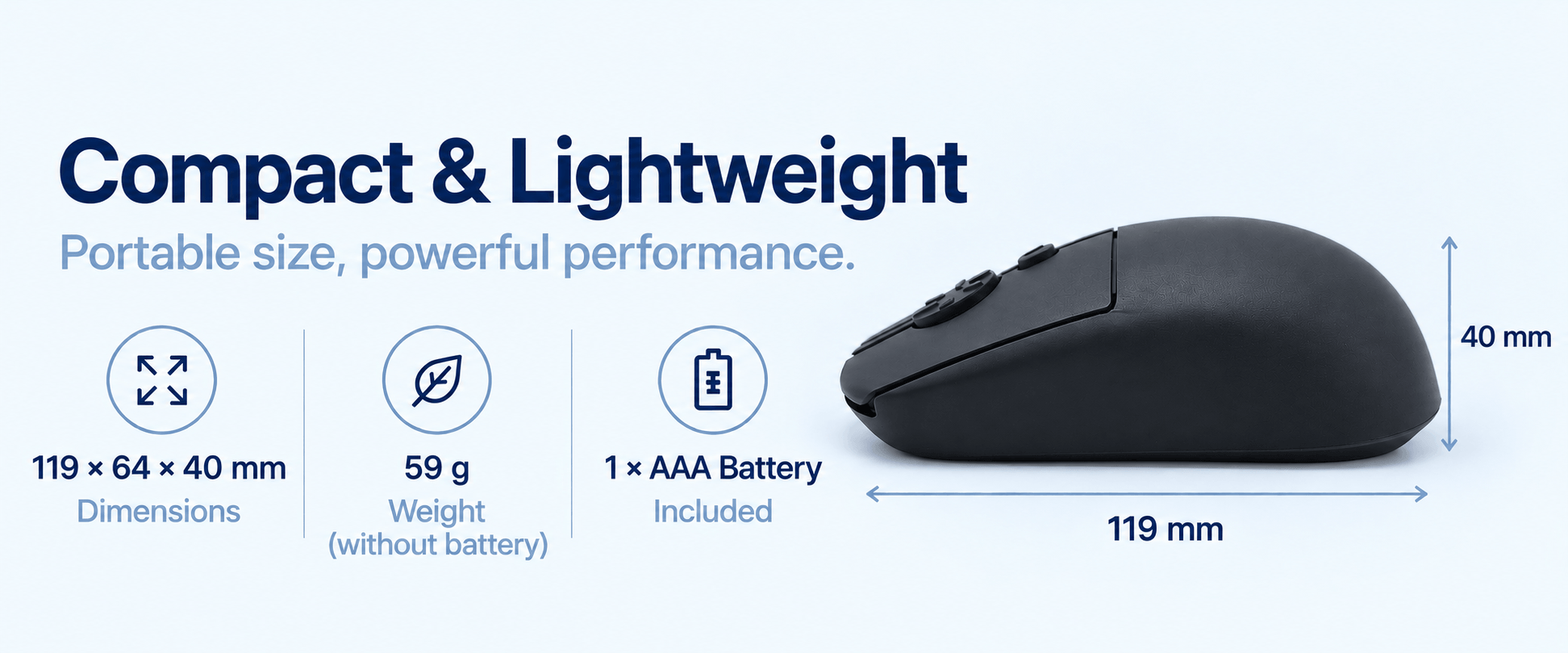
- 1 × AAA battery
- Software profiles for American Truck Simulator (ATS) and Euro Truck Simulator 2 (ETS2) and more. Get free unlimited updates whenever we release new software profiles.
Warranty & Refund With No Return
- 1-year warranty
- 30-day money-back guarantee. Receive a refund without returning the mouse.
Specifications
- Connectivity: Wireless 2.4GHz USB receiver
- Dimensions: 119 × 64 × 40 mm
- Weight: 59 g (without battery)
- Buttons: Silent left/right click, middle click, DPI button
- Sensor: Optical
- DPI: 800 / 1200 / 1600
- Color: Matte Black
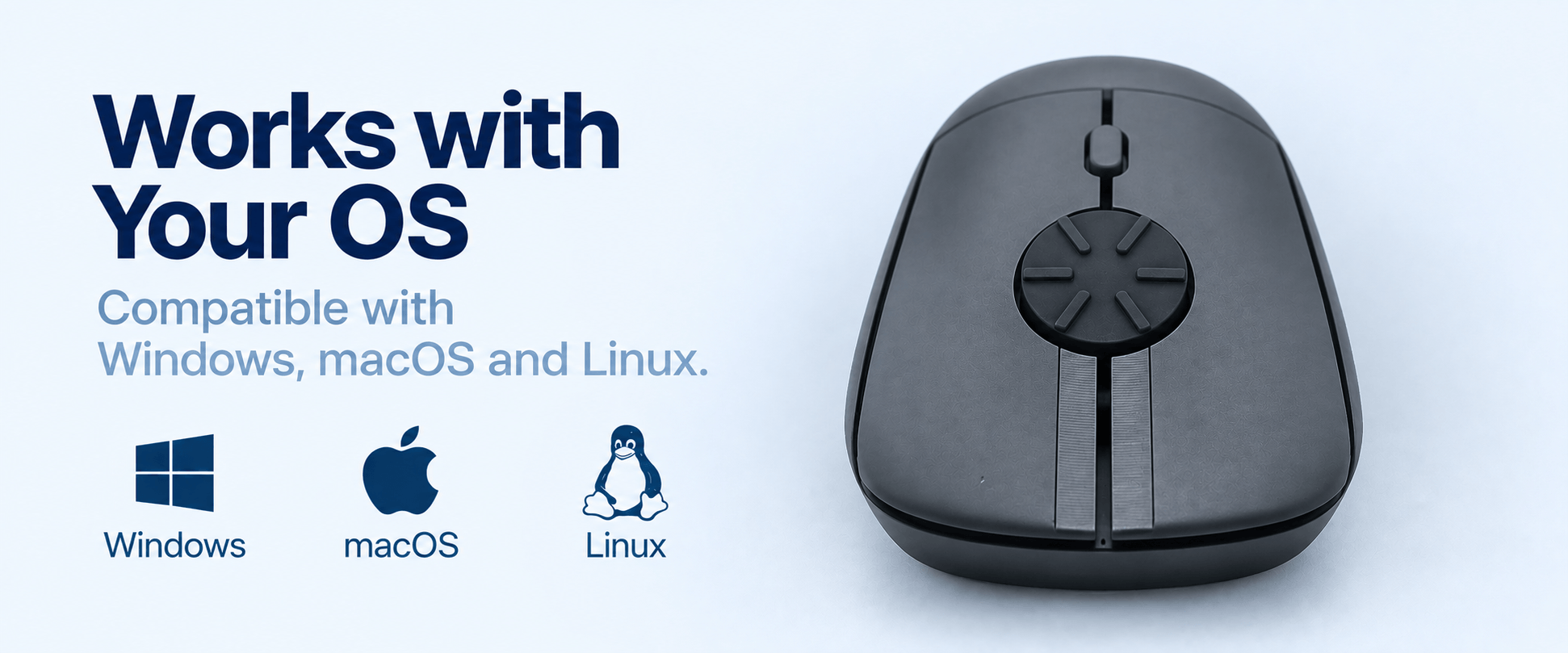
- Operating Systems: Windows, Linux, macOS, Android
- Power: 1 × AAA battery (included) with auto sleep mode
Introductory Offer – Limited Units
The Sim Edition is produced in limited quantities. Order now while supplies last.
Shipping Worldwide
Ships from South Korea. Delivery to the United States and Canada typically takes around 5 to 10 days. All applicable tariffs and import duties are prepaid by us.
Ready-to-Use Software Profiles for ATS, ETS2, and more
Here’s the tutorial on how to set up the mouse for ETS2 and ATS with the ready-to-use software profiles.
The Rotary Mouse basically uses vJoy and AutoHotKey open source software to configure itself as a steering wheel for all racing and trucking sims. Using open source software gives you the freedom to not be tied down to our proprietary software.

ACTUAL PHOTOS


FAQ
Which games are supported?
Rotary Mouse works with many popular driving simulators, including Assetto Corsa, BeamNG.drive, Euro Truck Simulator 2, American Truck Simulator, Live for Speed, and other games that support analog steering through mouse input or third-party mapping software.
Why do you use vJoy and AutoHotKey?
Because we want to provide the most flexibility to you. This way, you have the freedom to set any configurations for diverse of games – change sensitivity, map gear shifting, etc. You are also not tied down to our proprietary software (unlike Fanatec, Logitech or Thrustmaster) and moreover, you may already be using vJoy and AutoHotKey so you don’t need to install additional software. You can even use AI like ChatGPT to generate custom AutoHotKey script for your sim driving pursuit.
Is there any delay/lag in the game response?
The micro delay is not noticeable, as shown in our flying lap demo in Nürburgring track in Assetto Corsa.
Do I need pedals?
No. Most players use the keyboard keys for throttle and braking, while using the Rotary Mouse wheel for smooth analog steering. This creates a simple, comfortable driving setup without pedals.
Is setup difficult?
Not at all. We provide the required software profile and a step-by-step setup guide. Most users can get everything configured in just a few minutes.
Is any additional software required?
Yes. Rotary Mouse requires vJoy and AutoHotKey to map the rotary wheel to steering input. We provide instructions in our knowledge base to help you get started.
Can I switch back to scrolling after driving?
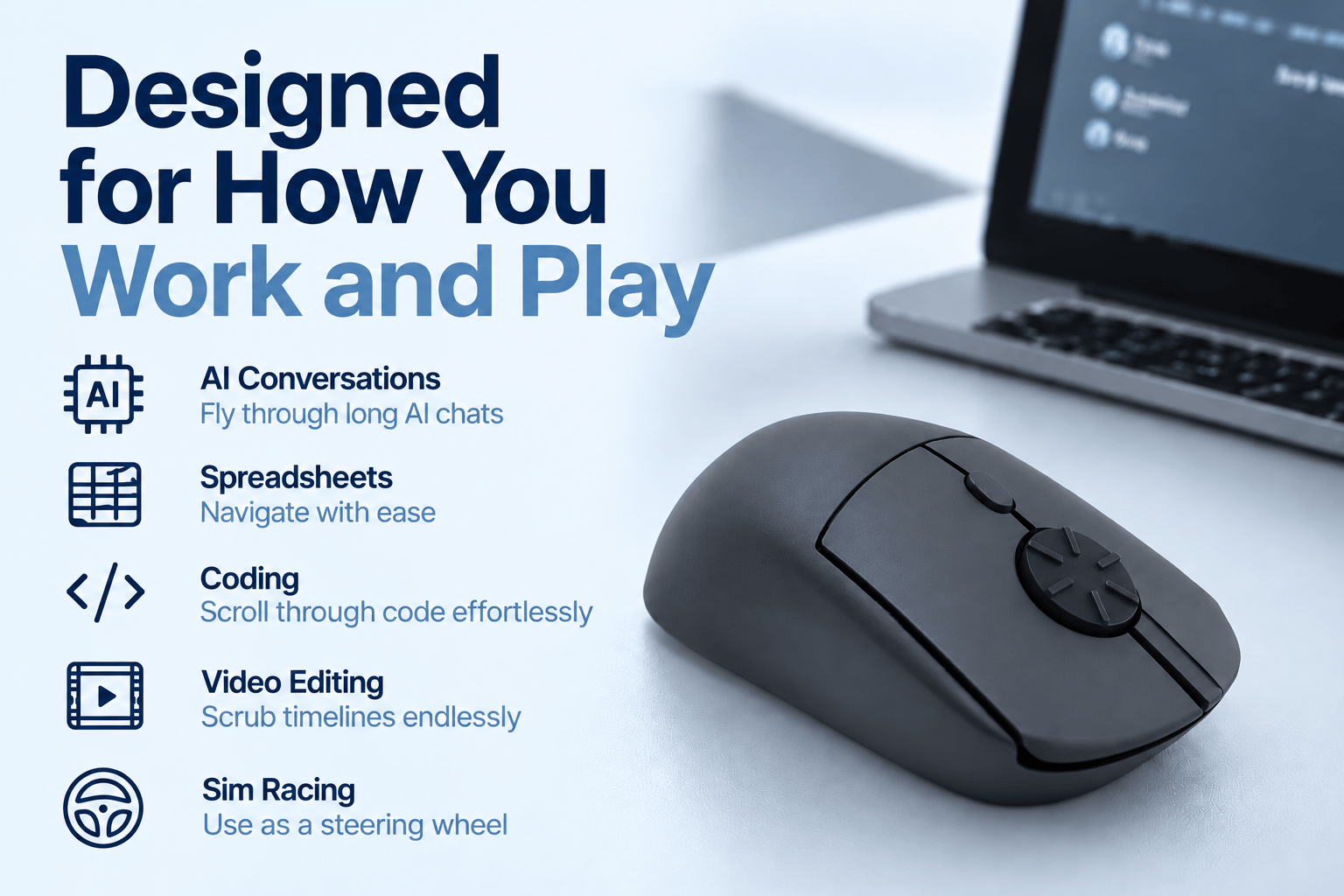
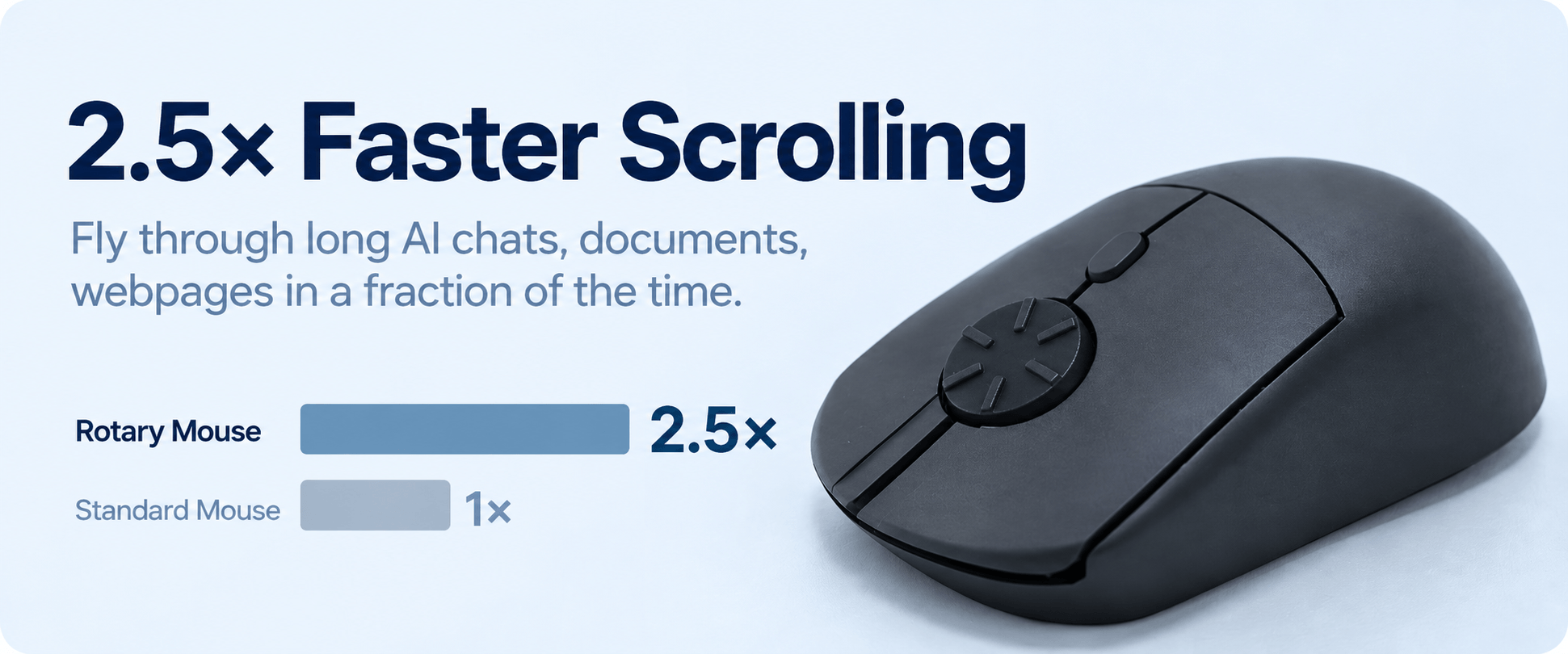
Yes. When you’re not gaming, the rotary wheel works as a fast, precise scrolling wheel for web pages, spreadsheets, documents, PDFs, and other everyday tasks.
Can I still do regular scrolling with this mouse?
Yes, absolutely. You can just turn the rotary wheel in a half-circular motion by vertical flicking.
Can I reverse the scrolling direction?
Yes, you can. On Windows 10, you can reverse the direction by using the X-Mouse Button Control free software. On Windows 11, go to “Mouse Settings” and enable the reverse scrolling direction. On macOS, simply go to the “Apple” menu, go to “System Settings” (or “System Preferences” on older macOS). Then, click “Trackpad or Mouse” and find “Scroll direction: Natural” and toggle it off to reverse scrolling (so it behaves like Windows). By default, the mouse scrolls down when you rotate counterclockwise and vice versa. This direction mimics the Windows vertical scrolling.
Does this mouse support different mouse grips?
Different people have different mouse gripping styles, such as palm grip, claw grip, fingertip grip, pincer claw grip, and more. Our founder uses a relaxed claw grip, and it feels great for him. Different testers with different grip positions have tested our mouse, and most do not complain.
What if I'm not satisfied?
Every Rotary Mouse is backed by our 30-day money-back guarantee. If you’re not completely satisfied, simply contact us within 30 days of delivery and we’ll issue a full refund—no return required.
Does it come with a middle button?
Yes, our current version comes with a middle button where you just need to press the middle of the wheel to trigger a click.
Which operating systems are supported?
Rotary Mouse supports Windows, macOS, and Linux for everyday use. The sim driving software profile is currently designed for Windows, where most PC driving simulators are available.